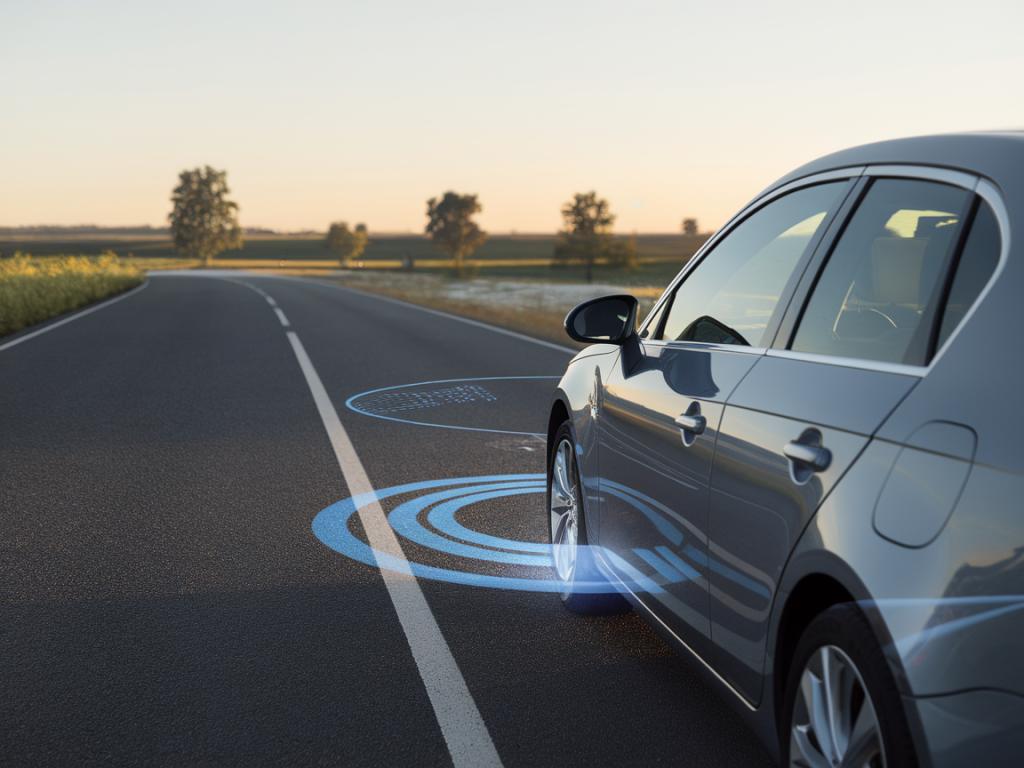
I’ve noticed this behavior in cars from small hatchbacks to luxury SUVs: you’re cruising on a perfectly clear road, no lane markings missing, and your lane-keep assist (LKA) gives a polite — or sometimes annoying — nudge on the steering wheel. It can feel like your car is trying to steer you even when there’s nothing wrong. I’ve spent time diagnosing these moments in the garage and on the road, and in this piece I’ll walk you through why it happens, what it means for safety, and how to fix or safely disable the system when it’s necessary.
What lane-keep assist is trying to do (and why it nudges)
Lane-keep assist and lane centering systems are designed to keep a vehicle within its lane by detecting lane markings and applying subtle steering inputs. Depending on the system, it can be intrusive (actively steering) or advisory (vibrating the wheel). When LKA nudges the wheel on clear roads, it’s usually responding to one of these inputs:
Temporary lane detection confusion: shadows, worn paint, or reflective surfaces can make lane lines appear broken or offset to the camera.Sensor/calibration drift: the forward camera or radar may be slightly misaligned after hitting a pothole, curb, or following windshield replacement.Incorrect vehicle state: inaccurate yaw or steering angle sensors can trick the system into thinking the car is drifting.Software or firmware behavior: some systems are conservative and will nudge to keep you centered if they detect any hint of drift, even on otherwise clear roads.Driver assistance mode limits: lane-keep systems often operate within specific speed ranges or require lane markings to be a certain clarity. If the system is near its threshold it can oscillate or nudge.How I diagnose the cause — quick checks you can do
Before heading to a shop, I do a few simple checks. These often reveal obvious culprits and are quick to perform:
Windshield and camera area: check for dirt, bug splatter, frost or sticker residue around the rearview mirror — this is where most forward-facing cameras live.Tire pressure and alignment: uneven pressure or a recent alignment issue can make the car track differently and trigger corrections.Steering feel and mechanical issues: if the wheel has play, knocks, or the car pulls when braking, address mechanical items first.Drive in different conditions: test the system on painted lane lines, freshly painted lines, and roads with good markings to see if behavior changes.Check the owner’s manual and settings: some cars let you change the level of steering assistance or sensitivity. The solution may be a simple menu adjustment.Common fixes that actually work
In my experience, these steps resolve most unwanted nudging cases:
Clean and check the camera area: use a microfibre cloth and a little glass cleaner on the inside of the windshield where the camera sits. Even thin film or a smudge can confuse modern vision systems.Confirm tire pressures and inspect tires: set pressures to manufacturer specs and rotate if wear is uneven. Old or mismatched tires change roll diameter and steering behavior.Get an alignment check: if the car tracks left or right, LKA fights that movement. A proper alignment often stops the nudges.Recalibrate sensors after windshield replacement: if your windshield was replaced, cameras and sensors often need recalibration—either through a dealer or a shop with the right calibration target and tools.Update vehicle software: manufacturers push system improvements via firmware updates. A shop or dealer can check for updates; Tesla and some brands do OTA updates you can install yourself.How to temporarily disable lane-keep assist safely
There are plenty of times you’ll want LKA off for a short period — towing, construction zones with ambiguous markings, or tight country roads. Here’s how I do it without compromising safety:
Use the steering wheel button or stalk: most cars have an LKA on/off button or a driver-assist menu on the instrument cluster. Learn how your car toggles it and practice doing it while stationary.Switch to adaptive cruise control without lane-centering: some systems let you keep speed control while disengaging steering assist. This keeps your following distance without auto-steering.Choose a lower sensitivity or “road” mode: certain models (e.g., BMW, Mercedes) offer settings that reduce corrective steering while maintaining alerts.How to disable lane-keep assist long-term — safe considerations
Disabling LKA permanently is a bigger decision. It may be as simple as a menu change in some cars, but in others it requires dealer intervention or specialized tools. Before you do it, consider:
Safety trade-offs: LKA reduces unintentional lane departures. Disabling it removes that layer of protection — make sure you compensate with increased vigilance.Warranty and legal aspects: modifying driver-assist systems can affect warranty coverage in some regions. Check your owner’s manual and warranty terms.How to do it: if the menu switch is available, use that. If not, a dealer can usually disable or alter system parameters. There are aftermarket coding solutions for some brands (e.g., Volkswagen/Audi VCDS, BMW coding), but I only recommend these if you understand the risks and keep the car safe.When to see a pro — what the shop will check
If the nudging continues after DIY checks, take the car to a qualified shop or dealer. Tell them:
When the nudging happens (speed range, road type, weather).Whether you’ve had windshield replacement or recent suspension/steering work.Any dashboard warnings or recent software updates.Expect the shop to do a camera calibration check, full alignment, and a diagnostic scan of driver-assist modules. A reputable dealer tech will also check for any bulletins from the manufacturer — automakers often release fixes for specific LKA quirks.
Real-world examples I’ve seen
I once had a Mazda owner bring a car because the LKA would nudge hard on a long straight highway. It turned out to be an alignment issue after a curb strike; after alignment and a quick recalibration the system was steady. In another case with a Subaru, heavy dirt and a thin smear on the windshield around the camera caused inconsistent lane detection — cleaning fixed it immediately. I’ve also seen older cars with multiple ADAS modules that needed a software update to stop small “hunting” corrections.
Practical tips to live with lane-keep assist
Learn your car’s limits: know at what speeds and lane conditions LKA operates.Don’t rely solely on it: keep hands on the wheel and eyes on the road — LKA is a driver aid, not a replacement.Keep the sensor area clean: a quick wipe before long trips can prevent many issues.Document recurring problems: note when nudges happen so technicians can reproduce and diagnose.If you want, tell me the make and model of your car and when the nudges occur — I can walk through the likely causes and a step-by-step checklist tailored to your vehicle. On Adumekaniks I try to give practical, hands-on advice, and in the case of driver-assist quirks a bit of focused troubleshooting often gets things back to behaving the way they should.