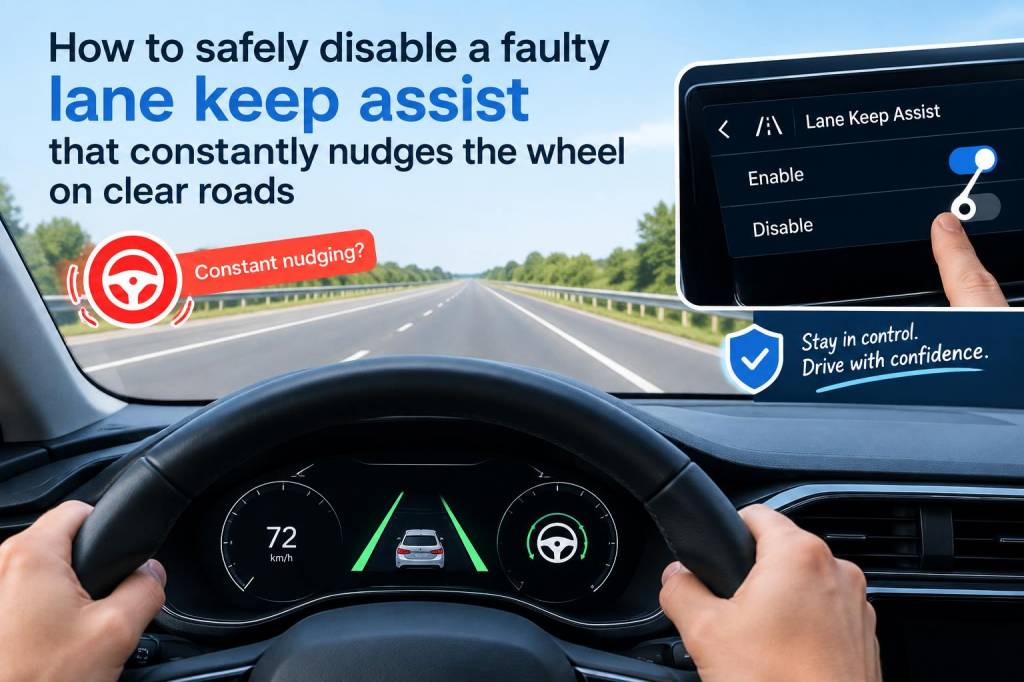
Lane-keep assist (LKA) can be a real lifesaver — when it works. I’ve driven cars where the system gently keeps you centered in the lane and others where it nudged the wheel for no reason at all, which is unnerving on highways. If your car’s lane-keep assist constantly nudges the wheel on clear roads, you don’t have to immediately hand the keys to the dealer. There are safe steps you can take to diagnose and, if appropriate, disable the system temporarily or permanently until it’s properly repaired.
Why the system might be nudging the wheel
Before disabling anything, I always try to understand the root cause. LKA systems use cameras, radars, and steering actuators — and any of those can misbehave. Common causes I’ve seen include:
- Dirty, misaligned, or obstructed cameras (usually mounted behind the windshield). Even a drip line from a wiper can confuse lane detection.
- Software glitches in the electronic control unit (ECU) or ADAS module.
- Calibration issues after windshield replacement or wheel alignment work.
- Faulty steering angle sensor or torque sensor that confuses the system about actual wheel input.
- Interference from aftermarket parts — bike racks, trailer hitches, or even certain window tints that block camera view or radar.
- Fault codes or sensor failures that weren’t flagged by a dashboard light (some cars don’t show explicit warnings).
Initial checks I do — quick and safe
Start with the easy stuff I can perform myself before touching fuses or settings:
- Inspect the windshield area behind the rearview mirror. If it’s dirty, gently clean the camera housing with glass cleaner and a microfiber cloth.
- Check for visible damage or a recently replaced windshield. If you replaced the windshield, the camera often needs professional recalibration.
- Scan the instrument panel for warnings or messages. Some systems display “Lane Assist Not Available” or similar alerts that give clues.
- Try toggling the LKA off via the vehicle’s infotainment or steering-wheel button to see if behavior stops.
- Take note of when the nudging happens (speed, road type, weather). That pattern helps diagnose whether it’s camera-related or a sensor/software issue.
Disabling lane-keep assist safely — temporary methods
If the system is actively correcting when it shouldn’t, I prefer non-invasive, reversible methods first. These are the safest because they don’t affect other systems.
- Use the vehicle’s settings: Most modern cars let you disable LKA or lane-departure assist from the infotainment or a steering-wheel menu. For example, many Toyota, Ford, Volkswagen, Tesla, and BMW models have a toggle under “Driver Assistance” or similar. Disable it there and drive to confirm the nudging stops.
- Turn off adaptive features: On some cars you can leave lane-centering on but switch to a less intrusive mode (lane-departure warnings only). This reduces unexpected steering interventions.
- Use the steering-wheel button: A lot of cars have a dedicated button to toggle lane-keep systems. It’s the quickest way to stop unwanted nudges without affecting other systems.
- Short-term fuse removal (if necessary): I treat this as a last resort and only if I understand the car’s circuit layout. Removing a fuse that powers the ADAS module can disable the feature temporarily, but it may also disable related safety systems (e.g., adaptive cruise control, collision mitigation). Always consult the owner’s manual, make note of the original fuse position, and keep the vehicle stationary in a safe spot while removing or reinserting fuses.
Disabling lane-keep assist — more permanent or technical options
If you plan a long-term workaround while awaiting a repair, these are options I’ve used or seen used by professional shops. They require more care and are sometimes vehicle-specific.
- Software-level deactivation: Using a diagnostic tool (e.g., OBD2 with manufacturer-level access like Techstream for Toyota, ISTA for BMW, or dealer tools) a technician can disable the lane-keep function in the ADAS module. This is reversible and safe when done correctly.
- Dealer or certified shop recalibration: Often the right solution is calibration. If the camera or sensors are misaligned, a proper recalibration resolves the nudging. This is what I recommend if the system has value for future use.
- Replacing faulty sensors or actuators: If diagnostics point to bad sensors (camera, steering angle sensor), replacing those and performing the required coding/recalibration is the correct fix.
What I check with diagnostics
I always run a scan if the problem isn’t obvious. Even basic OBD2 readers that support manufacturer codes can reveal ADAS-specific trouble codes. Typical checks include:
- Camera and radar fault codes
- Steering angle sensor status and calibration values
- Software version of the ADAS module (sometimes a software update fixes bugs)
- Event logs showing when and why interventions occurred
Safety and legal considerations I keep in mind
Disabling safety features is not something to take lightly. Here’s how I weigh it:
- Do not disable collision avoidance systems unless you understand the consequences. Disabling LKA alone is usually acceptable, but removing systems that warn of imminent collisions increases risk.
- Check local laws. Some regions require certain safety systems to be active for roadworthiness.
- Document any changes you make (e.g., fuse removal or software changes) so they can be reversed by a dealer or future owner.
- Prefer reversible methods. I avoid permanent hardware alterations unless a proper repair isn’t possible.
When to call a professional
I will involve a mechanic or dealer if:
- The system still nudges after I’ve tried simple fixes (cleaning camera, toggling settings).
- Diagnostic scans show sensor or module faults.
- There’s been recent service like windshield replacement or suspension/steering work.
- I’m uncomfortable with fuse or software-level changes.
| Symptom | What I try first | When to seek shop/ dealer |
|---|---|---|
| Intermittent nudging at high speeds | Clean camera, toggle LKA off/on, check windshield | If it continues or diagnostic codes appear |
| Constant nudging on clear roads | Disable via infotainment or steering button | Shop for calibration or sensor replacement |
| Dash warnings + nudging | Scan codes with OBD2 / manufacturer tool | Dealer repair recommended |
If you want, tell me the make, model, and year of your car and I can walk you through the location of the LKA toggle, common fuse positions, or likely diagnostic codes to check. I’ll also point out whether a dealer recalibration is likely required based on your specific vehicle — I’ve handled these fixes on everything from older Hondas to newer Volvos and Teslas, and the workflow differs by brand.