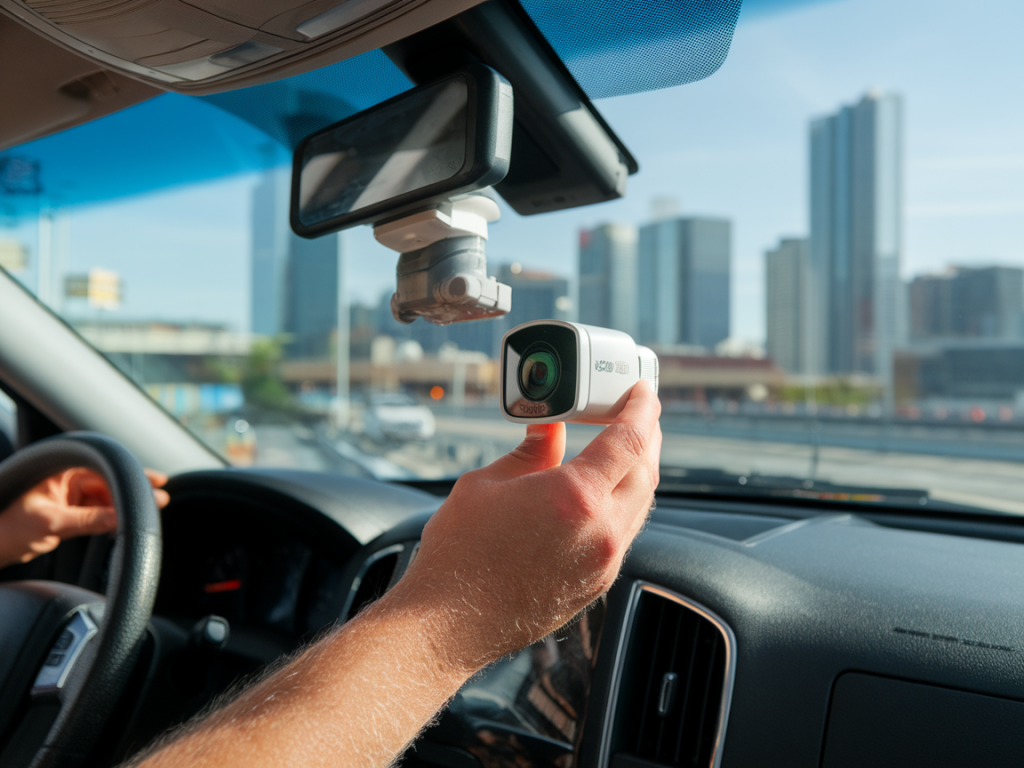
I live and work in cities where traffic, tight parking and sudden incidents are part of the daily routine. Over the years I’ve learned that a good dashcam isn’t a luxury — it’s a practical tool that can save hours of paperwork, protect you in disputes, and sometimes be the deciding piece of evidence in an insurance claim. In this guide I’ll walk you through how I choose dashcams specifically for insurance and legal protection in urban areas, what features really matter, and how to preserve footage so it holds up with insurers and in court.
Why a dashcam matters more in the city
Urban driving brings a higher density of vehicles, pedestrians, cyclists and parked cars, as well as more complicated interactions at intersections and driveways. I’ve seen situations where a parked car was hit and the at-fault driver drove off, or a side-swipe in a narrow street turned into he-said-she-said. A dashcam provides an objective record — timestamps, GPS track, and video evidence — that often speeds up claims or proves fault.
Core features I look for for insurance and legal use
When choosing a dashcam with the explicit goal of supporting insurance claims or legal protection, these are the must-have features I prioritize:
Legal-grade timestamp and GPS: The footage should have a verifiable timestamp and GPS coordinates embedded. That shows exactly where and when an event occurred.High resolution and frame rate: I aim for at least 1080p at 30fps. In busy city scenes higher resolution (1440p or 4K) and 60fps help identify license plates and capture fast motion.Wide dynamic range / good low-light performance: Urban scenes often include bright headlights and dark alleys. A sensor with WDR/HDR and strong night performance keeps details readable.Parking mode / motion detection: For parked incidents (hit-and-runs, vandalism), parking surveillance with impact detection and buffered recording is essential.Loop recording with secure incident locking: The camera should automatically protect incident clips from being overwritten when a G-sensor or manual trigger fires.Tamper evidence & authenticity: Watermarks, embedded GPS data and signed files (or proprietary viewers that show metadata) help prove footage hasn’t been altered.Reliable storage & power: Use a dashcam with a capacitor or robust battery and support for high-endurance microSD cards to avoid corrupted files.Dual-channel (front + rear): In cities I want both front and rear coverage — many disputes hinge on what happened behind you or when reversing.That “legal-grade” claim — what matters in practice
Manufacturers sometimes advertise “legal-grade” footage. In my experience, what really matters to insurers and lawyers is not the marketing term but:
Whether the timestamp and GPS are embedded and consistent across files.Whether the footage can be shown with an official viewer that displays metadata (some brands like BlackVue and Thinkware provide desktop viewers that show GPS tracks and speed overlays).File integrity — some units store indexed files or checksum metadata that make tampering more obvious.If you’re aiming to use footage in court, consult local rules — some jurisdictions accept normal dashcam files, others prefer evidence handled through a clear chain of custody.
Practical checklist before you buy
Here’s a short checklist I run through before purchasing or recommending a unit for urban insurance protection:
Does it record at least 1080p and has WDR/HDR?Is there GPS overlay and is the GPS logged in the file metadata?Can it run reliable parking mode for long periods (hardwired to the car or using a dedicated battery)?Does it lock incident files automatically and prevent overwrites?Is there a desktop or cloud viewer that shows metadata and GPS tracks?Does it support high-endurance SD cards and have a recommended card list?How does it handle collisions — automatic upload to cloud or local only?Model examples I often consider
I’ve tested several models and these names keep coming up for urban use. No single camera fits every budget, but these give a good range:
BlackVue DR900X/DR900S: 4K front, cloud connectivity, strong viewer and good metadata handling. Popular for professional installations.Thinkware U1000: 4K front, good night clarity, comprehensive parking mode and built-in GPS.Nextbase 622GW: Great video quality, emergency SOS and image stabilization — useful in collisions.Vantrue N4: Budget-friendly triple-channel (front/rear/inside) with solid parking features.All these brands offer desktop or cloud tools to extract GPS/time data, which helps when submitting a claim.
How to install for best legal usefulness
Installation is more than just mount-and-go. I recommend:
Fix the camera behind the rearview mirror so the field of view isn’t obstructed and license plates at typical distances are readable.Keep the lens clean and angled correctly — test with a parked car at typical urban distances to confirm plate legibility.Use a hardwire kit for true parking surveillance. Relying only on the cigarette lighter often means parking mode won’t work when the car is off.Set date/time manually and verify GPS sync. An incorrect clock undermines the footage’s credibility.How to handle footage after an incident
What you do immediately after an event can be just as important as the recording itself. My routine:
Stop the car in a safe place and save the incident clip using the camera’s emergency button or by removing the SD card. Many cameras mark incident files so they aren’t overwritten.Don’t edit or transcode the original file — keep the original .mp4 or proprietary file. Make copies rather than modifying the original.Use the camera’s official viewer to export the clip with metadata overlays (time, GPS, speed). Exporting with the official app increases credibility with insurers.Upload a copy to cloud storage or email it to yourself. Multiple backups help prevent accidental data loss.Note location, time, witnesses and incident details in writing. Photographs from your phone (showing damage, position, surroundings) complement the dashcam footage.How insurers and courts typically treat dashcam footage
Many insurers accept dashcam footage as supporting evidence, but the strength of that evidence depends on context and integrity. Insurers want to confirm the footage is unaltered, timestamped correctly, and shows the incident clearly. Courts may require chain of custody or expert testimony in disputed cases. Providing the original files, a copy of the camera’s metadata export, and a clear account of how the evidence was handled strengthens your case.
Quick comparison table
| Feature | BlackVue DR900X | Thinkware U1000 | Nextbase 622GW | Vantrue N4 |
| Front resolution | 4K | 4K | 4K | 4K |
| Rear/Inside | Optional rear | Optional rear | Rear optional | Rear + interior |
| Parking mode | Yes (hardwire) | Yes (super capacitor) | Yes | Yes |
| Cloud / remote access | Yes | Limited | Yes | No |
| Official viewer & metadata | Strong | Strong | Good | Basic |
If you want, I can recommend a model based on your budget and how you park (on-street vs private parking), or walk you through a step-by-step setup and evidence-handling checklist after an incident. Protecting yourself in urban driving starts with capturing events reliably and handling the files correctly — that’s where the real value of a dashcam lies.